Owner Care
Electric Scooter Service Photos: Share the Fault, Not Your Personal Data
Prepare a useful private support image without recreating a fault or unnecessarily exposing documents, locations, notifications and other people's information.
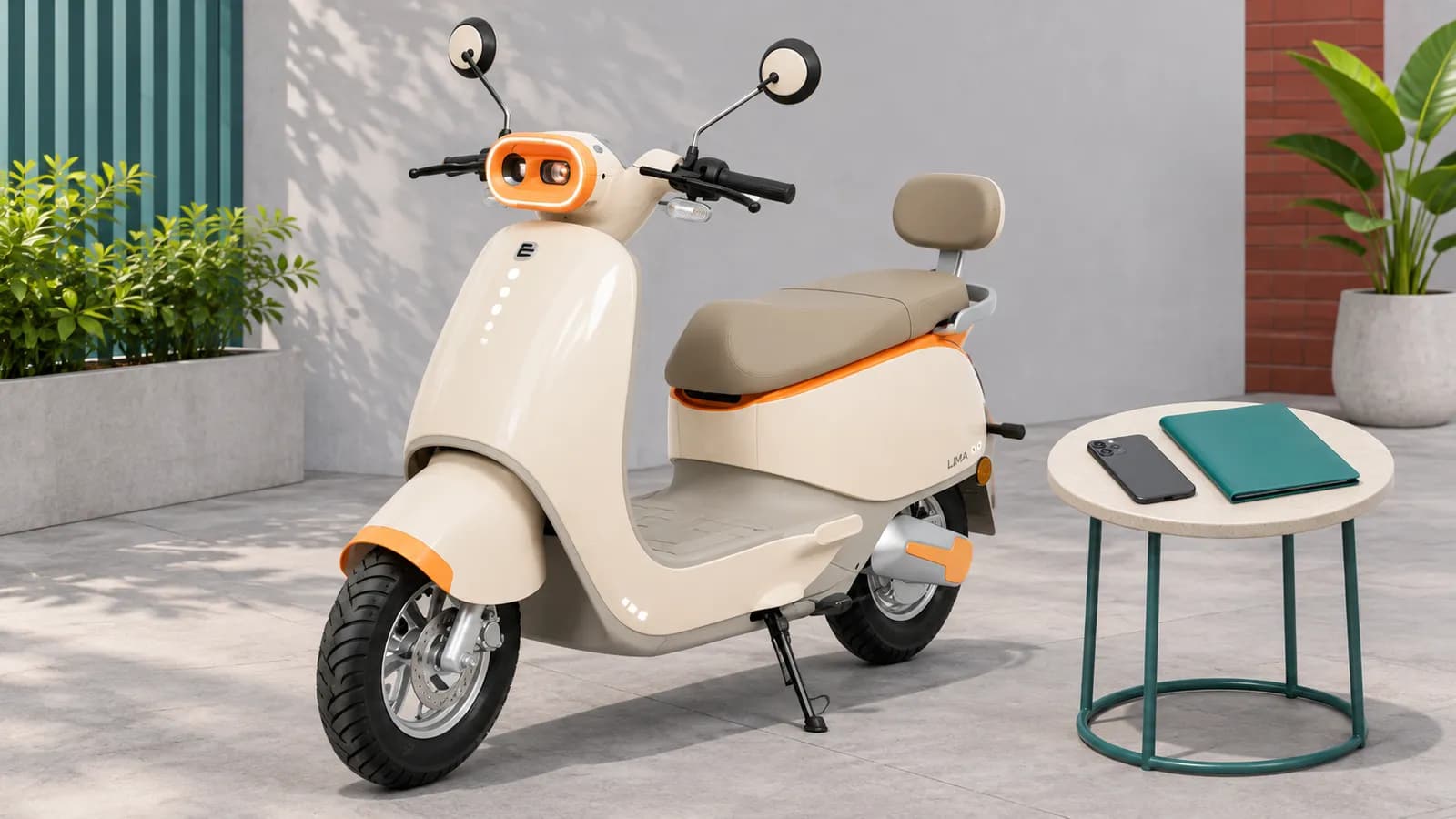
A useful scooter support photo shows the concern without unnecessarily exposing your address, documents, phone notifications or other people. Ask the verified service team what it needs, take any photograph only while safely parked, and review the actual file before sending it. Keep the original privately; prepare a separate sharing copy when unrelated personal information needs to be removed.
Photographs help describe an observation. They do not diagnose a fault, prove that a scooter is safe to use or replace an in-person assessment. Never ride, charge, dismantle equipment or recreate a suspected fault just to obtain better evidence.
Start with the recipient and purpose
Use the service contact you verified independently. A request in an unsolicited message is not automatically from your workshop, even if it includes a familiar logo. For a Dynamo enquiry, begin with the official contact route and establish which person or channel should receive the information.
Ask which view is useful and whether a photograph is needed at all. A concise description may be enough to arrange an assessment. If the team needs an identifying label or purchase record, ask which details are relevant and send those only through its verified private route. A public social post is not a private service inbox.
Frame the observation without recreating it
Photograph an accessible concern only when the scooter and its surroundings are safe. Keep bystanders, building numbers, access cards and unrelated papers outside the frame where possible. Do not remove a cover or move suspect equipment merely to reveal a label.
Describe what the picture actually shows: the affected area, when you noticed it and which question you want answered. Avoid naming a failed component if a qualified person has not established the cause. The fault-report checklist helps keep those observations separate from a diagnosis.
If an incident or immediate danger is involved, prioritise safety and appropriate assistance rather than collecting images. A missing photograph is preferable to putting someone at risk to reproduce an event.
Check more than the scooter itself
Look at reflections, the background and the edges of the image. A receipt beside a component, a house sign behind the vehicle or a screen reflected in a mirror may reveal information you did not intend to share.
Australia's eSafety Commissioner explains that photo and video sharing can unintentionally reveal personal details and location. That is general online-safety guidance, not a statement about a particular service platform's privacy or an Indian legal requirement.
For a screenshot, review the whole exported image rather than only the message you intended to show. Other conversations, account details, map locations or notifications may be visible. Do not share passwords, one-time codes or payment credentials as part of a scooter support request.
Make a separate sharing copy
Keep the original privately where you can find it, then prepare a copy containing only the relevant observation. Do not change a defect, alter a document's meaning or edit a date to strengthen a claim. If part of a document is omitted, tell the recipient that it is a limited sharing copy rather than presenting it as the complete record.
When masking unrelated personal details, inspect the final exported file. Do not assume that placing an editable shape over text permanently removes the underlying information. Avoid uploading a sensitive original to an unfamiliar online editing service simply to hide a small area.
The Australian Cyber Security Centre's online-activity guidance cautions about revealing location through visual details and metadata. Do not assume that every messaging service removes attached location information. Review what your chosen sharing method includes; changing file information is not a substitute for examining the visible scene.
Use a short message beside the file
| Item | What belongs in the private support message |
|---|---|
| Context | Exact model and the concern you want assessed |
| Observation | What is visible, without a guessed diagnosis |
| Timing | When it was noticed, distinguishing that from when the photo was taken |
| File scope | Whether the image is a limited sharing copy or a requested original |
| Response needed | The next safe step, assessment route or appointment clarification |
Share only what the verified recipient needs for that purpose. If support requests additional information, confirm why it is required rather than adding a full document archive to every message.
Keep acknowledgement separate from resolution
Retain the sent file, the associated message and the actual response. An upload confirmation means a file was received; it does not confirm a diagnosis, warranty decision or repair booking. Follow the service-record guide to keep those later outcomes distinct.
For an unresolved complaint, the evidence-file guide provides a separate record structure. A useful support photo should make the next conversation clearer without becoming an unnecessary public record of your private life.