Ownership
Electric Scooter Fault Report: Give Support a Clear Starting Point
Prepare a clear scooter support request with observed symptoms, safe photographs and a traceable follow-up record, without guessing the fault or attempting repairs.
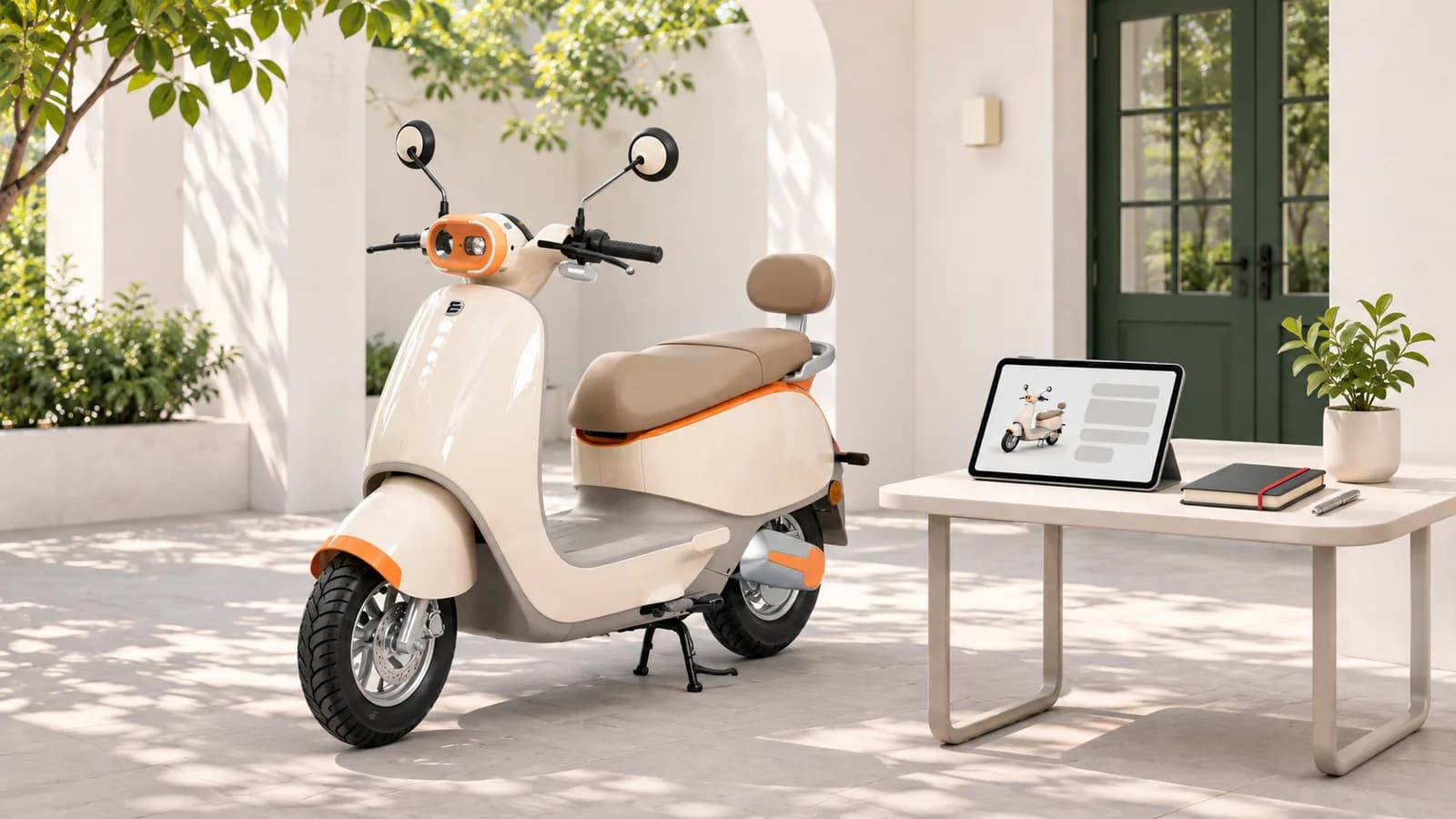
A useful electric scooter fault report states what happened, when it happened and what you actually observed. Add the exact model, a safe photograph if available and one contact route for follow-up. Do not guess a component failure, repeatedly restart the scooter or recreate an unsafe problem to make a more convincing video.
This guide is for preparing a support request, not diagnosing a fault. It is different from a routine maintenance file: the aim here is to turn one current problem into a clear, traceable ticket. Your model's manual and authorised service instructions take priority over a generic checklist.
Is it a support request or an emergency?
If there is smoke, fire, injury or immediate danger, get clear and contact local emergency services. A website complaint form is not an emergency response channel. Do not stay near a hazard to finish a message, retrieve documents or film what is happening.
For a concern that affects safe operation, stop using the vehicle and seek authorised guidance. Do not ride to a workshop merely to show the symptom. Ask support whether collection or inspection at the current location is appropriate. If a battery or charger appears damaged, do not connect it as a troubleshooting experiment.
How do you describe the symptom without diagnosing it?
Begin with a sentence someone else can understand without seeing the scooter. Describe the visible behaviour, the situation and whether it occurred once or more than once during normal use. Distinguish a message on the display from your interpretation of that message. Record the wording exactly where it is already available safely.
For example: "The display did not turn on when I followed the usual starting procedure this morning. I have not opened any covers or attempted a repair. Please advise the next safe step." This is a fictional example, not a known Dynamo fault or a reset instruction. Do not add observations that did not happen to your own scooter.
| Support needs | What to provide | What not to assume |
|---|---|---|
| Identification | Model and battery option from your documents | Similar-looking scooters share the same parts |
| Symptom | What you saw, heard or noticed | You already know the failed component |
| Timing | Date, approximate time and normal-use context | A repeated test is required |
| Evidence | Safe overview photo and relevant existing message | You must dismantle something for proof |
| Prior contact | Ticket reference and advice already received | A new duplicate ticket improves priority |
Which photographs are useful and safe?
An overview can show which scooter and area the issue concerns. A second picture can show an accessible mark or an existing display message. Only take these from a safe position, with the scooter stationary. Do not record video while riding or handling the controls in traffic.
Keep bystanders, house numbers, identity documents and unrelated personal information out of the image. Share any vehicle identifier privately through the authorised channel when requested, rather than posting it publicly. Never include a password, payment-card details or an OTP in the complaint description. Follow the site's current upload limits instead of sending repeated unsupported files.
How do you send the report to Dynamo?
The Dynamo complaint page currently asks for contact and location details, issue category, scooter model, severity and a description. It also offers an optional image attachment. Enter accurate details and use a contact address you can access. Describing an issue precisely is more useful than selecting the highest severity without explanation.
After submission, retain any confirmation or reference actually supplied. If no acknowledgement appears, use the official contact page to ask whether the request was received before sending duplicates. This guide does not promise a response deadline, repair approval or coverage outcome.
What should you keep in the follow-up note?
Keep one brief timeline: report sent; acknowledgement received; inspection or collection arranged; work proposed; and next agreed action. Add who provided the instruction and when. If the symptom changes, describe the change under the same reference where the support channel permits it.
Before approving work, request the proposed scope and any charges in writing. After collection or inspection, keep the acknowledgement in your service records. Read the warranty checklist separately; a ticket reference is not evidence that a claim has been accepted.
A short template you can adapt
"Model and battery option: [from my documents]. Date and context: [what happened]. Observed symptom: [facts only]. Existing warning: [exact wording if safely available]. Actions already taken: [only what I actually did]. Prior reference: [if supplied]. Please confirm the next safe step and whether inspection or collection is needed."
This template is an organising aid, not a reason to continue using a faulty vehicle. Remove fields you cannot verify. The sources for the form description are Dynamo's complaint page and contact page, checked on 4 November 2026. Immediate battery warning principles can be reviewed in the NFCC Charge Safe guidance; it is general safety advice, not a diagnosis or a Dynamo certification.