Buying Guide
Electric Scooter Online Enquiry: A Safer Buying Checklist
Verify a scooter enquiry contact, ask for clear booking terms and keep payment credentials and personal documents private.
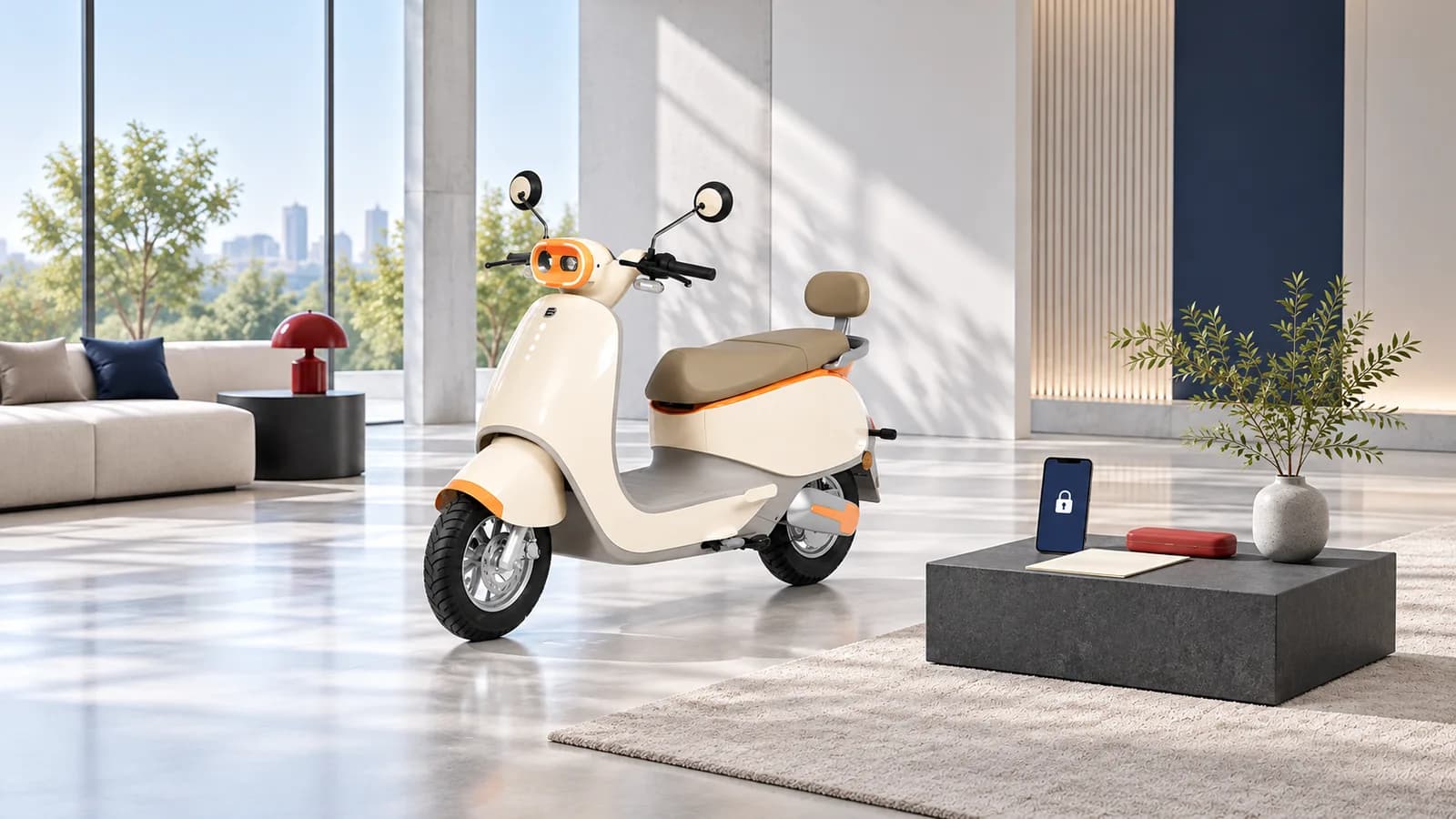
Before sharing documents or paying during an electric scooter enquiry, independently confirm the business contact, obtain a written quotation and check what the payment is for. Keep banking credentials private and use your own trusted payment app. A logo, forwarded brochure, caller name or screenshot is not enough to establish that the person contacting you represents the business.
How can you verify who is answering your scooter enquiry?
Start from a contact route you found independently, not only the number or link inside an unsolicited message. For a Dynamo enquiry, open the official contact page or dealer locator and ask the team to confirm the relevant location and contact. Explain what you were offered without immediately forwarding sensitive documents.
Check the business identity shown on the quotation and ask who would issue the invoice. If a conversation moves to another number or payment recipient, confirm the change through the independently established channel. A friendly conversation, a profile photograph or a copy of a brand logo does not complete that check.
What should you ask for before a booking payment?
Keep the model, variant, seller and proposed transaction together in one written record. A price discussion and an actual booking are not the same thing. Ask what the quoted amount includes and which terms would apply before agreeing to proceed. Do not fill missing terms with assumptions from another model or another dealer.
- The legal business name and the contact handling the enquiry.
- The scooter model and variant under discussion.
- A written quotation describing the items and total.
- The purpose of any proposed advance or booking amount.
- The applicable cancellation or refund terms, in writing.
- The expected acknowledgement and invoice process.
These are questions for a prospective transaction, not promises about Dynamo's prices, refund policy or availability. An enquiry form also does not establish finance approval or stock allocation. The buying guide covers the broader shortlist and showroom conversation.
Which payment requests deserve a pause?
The NPCI fraud-awareness guidance warns about links and QR codes used to trick people into authorising a payment while expecting to receive money. Its explanation distinguishes paying from receiving; a supposed refund should not be accepted as a reason to approve an unrelated payment request.
NPCI's UPI HELP reference advises users not to share their UPI PIN and directs users with fraudulent-transaction complaints to their bank. Read the action and recipient displayed in your own payment app. Never send the PIN to a salesperson or support contact to let them complete a transaction for you.
| Request during an enquiry | A useful next step |
|---|---|
| Pay a newly introduced recipient | Independently confirm the business and the payment purpose |
| Approve a request to obtain a refund | Check whether the app is asking you to pay, and seek clarification |
| Send a banking PIN or password | Do not share it with the contact |
| Pay immediately or lose an unverified offer | Ask for the quotation and terms before deciding |
| Accept a screenshot as proof of refund | Check the status through your own bank or payment app |
This checklist is general prevention guidance, not an assessment of a particular transaction. It does not imply that Dynamo or a named dealer has been involved in fraud. If the displayed details differ from the agreed transaction, stop and resolve the difference through a confirmed contact route.
How much documentation should you share at the enquiry stage?
Ask why a document is needed, who is requesting it and which confirmed channel should receive it. Keep an initial model or availability enquiry separate from a later purchase, finance or service process. Do not send your entire personal document folder simply because someone asks to finish the conversation sooner.
Share only relevant information through the confirmed process. If you are considering finance, establish which provider is involved and review its own document requirements directly. This article does not list universal KYC requirements or authorise a dealer to collect particular identity documents. Different processes can require different information.
Avoid posting invoices, identity records, personal addresses or account information in public comments. Where a limited copy is appropriate, keep the original privately and clarify which information the recipient actually needs. Removing information should not turn the copy into a misleading record.
What records are worth keeping?
Save the quotation, relevant messages, agreed terms and transaction reference together. Note the date and the independently confirmed business contact. Check the acknowledgement against the actual model and payment purpose so a later support conversation starts with a clear record.
The service-records guide shows a simple private filing method. For delivery, the handover checklist separates the ordered scooter and documents from the earlier sales discussion. Neither article replaces the seller's actual terms.
What if a payment looks unauthorised?
Use the support and reporting route in your own bank or payment app promptly, rather than relying on a refund link sent by the same unknown contact. Keep the transaction reference and relevant messages. Do not send additional money in response to a claim that it will unlock the original payment.
For a question about whether someone represents Dynamo, use the official contact page. A merchant support conversation and a bank's unauthorised-payment process are different routes. This guide does not decide liability, promise recovery or give a guaranteed resolution period.
Questions buyers ask
Is a forwarded Dynamo brochure proof that a contact is genuine?
No. Confirm the contact independently through the official website and clarify the business identity on the quotation.
Should I share my UPI PIN with someone helping with a booking?
No. Keep it private. Check and authorise any legitimate payment yourself inside your trusted payment app after verifying the transaction details.
Does this checklist confirm a particular dealer's payment terms?
No. Obtain the actual quotation and applicable terms from the confirmed seller. The checklist helps structure the questions; it does not create a booking or refund policy.