Buying Guide
Electric Scooter UPI Payments: Verify the Payee Before Sending Money
Verify the seller, displayed beneficiary and payment purpose independently, then retain the transaction and order acknowledgement without sharing banking credentials.
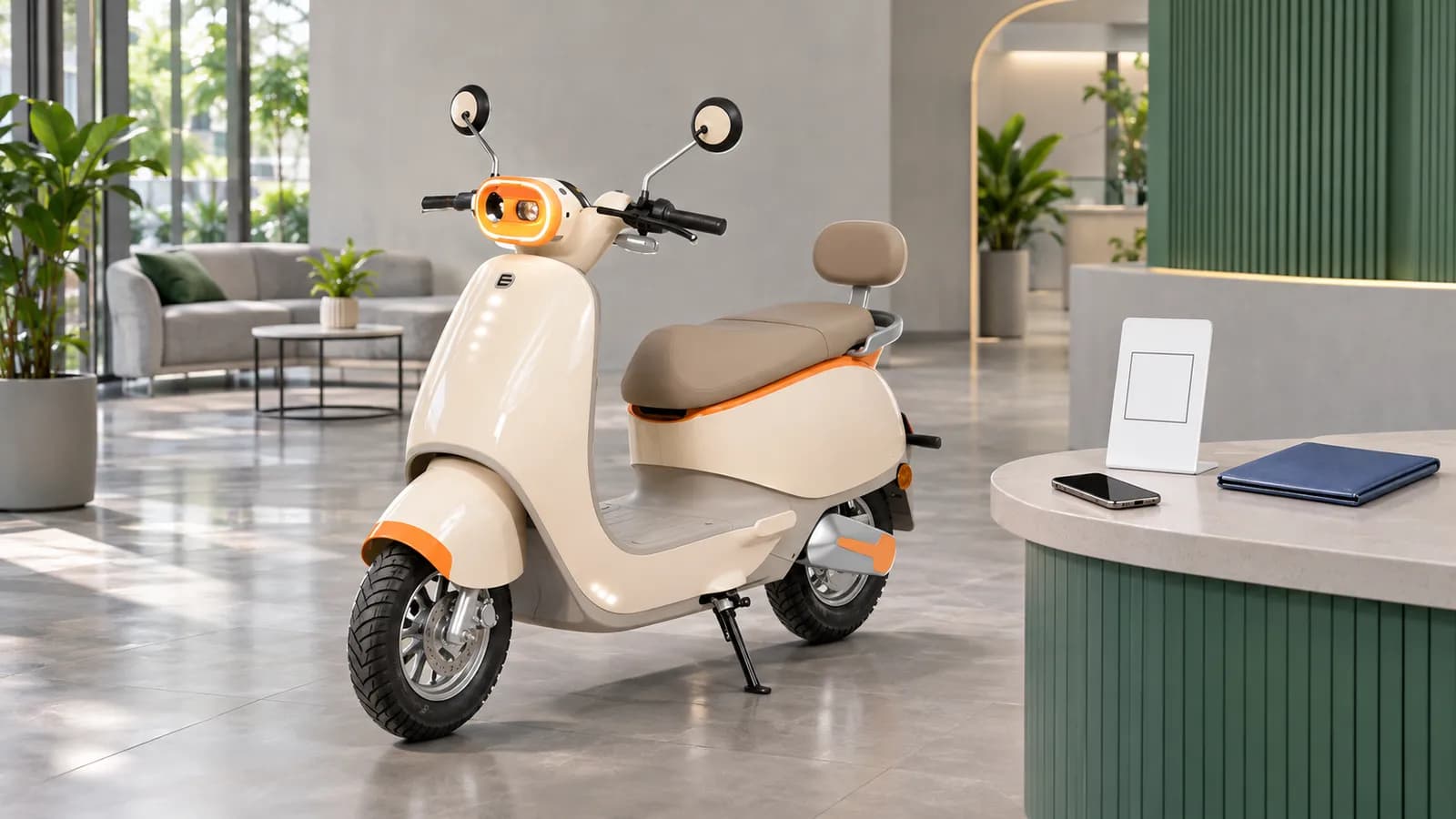
Before making a UPI payment for an electric scooter, verify the seller independently and compare the payee shown in your payment application with the written payment instructions for your actual order. If the recipient, amount or purpose is unclear, stop and ask the seller through a verified contact route. A familiar logo, a forwarded QR image or a convincing message is not enough to establish where your money is going.
This guide is about payment verification and recordkeeping. It does not provide a Dynamo payment code, announce online checkout, authorise a collection account or guarantee that a transaction can be recovered. Use the payment arrangements confirmed by the actual seller for your order.
Establish the seller before checking the code
Begin with the business named on the quotation or order acknowledgement. Use a contact route you obtained independently, rather than the number included in an unexpected request for payment. Ask the seller to confirm the payment purpose, amount, recipient and reference you should use.
If you are dealing with a showroom or dealer, do not assume that its collection arrangements are identical to the manufacturer's. Ask the business issuing the quotation to explain its own instructions. A salesperson's display name, a group-chat administrator or a social-media profile is not a substitute for that confirmation.
For a Dynamo enquiry, start with the official contact page or dealer locator. A dealer listing is a way to begin verification, not blanket authorisation to pay any account later sent by someone using that dealer's name.
Read what the payment application actually displays
Keep the written instructions beside the details presented by your genuine payment application. Check the recipient and the amount before authorising anything. If a business's trading name and the displayed beneficiary name differ, ask for an explanation through the verified seller route; do not guess that the difference is harmless.
ICICI Bank's official mobile-banking safety guidance describes misleading requests to enter a UPI PIN to receive money and warns against scanning a QR code for receiving payments. These are payment-safety principles, not a bank's approval of a particular scooter seller or order. Separately, verify the intended recipient through the seller's independently confirmed payment instructions before deciding whether to pay.
Never give a seller your UPI PIN, authentication code or remote access to your phone to help them verify a transaction. Complete any legitimate bank verification in the official interface yourself. If someone asks you to enter a PIN to receive a refund, stop and contact your bank through its official support channel.
Keep four separate checks visible
| Check | Question to resolve before payment |
|---|---|
| Seller | Which business is taking this order, and how have I verified it independently? |
| Recipient | Which beneficiary should my payment app display for this specific payment? |
| Purpose | Is this an agreed deposit, balance, accessory charge or something else? |
| Record | Which order reference and seller acknowledgement will link the payment to the purchase? |
Do not treat a code that was used successfully by another buyer as confirmation for your own order. The exact recipient, payment purpose and current seller instructions still matter. Nor does a matching name prove the full legitimacy of a transaction; it is one check within a wider verification process.
Pause when instructions change
An unexpected replacement QR image, a new recipient or pressure to make an additional transfer deserves a fresh check. Contact the seller using the previously verified route and ask which instruction is current. Retain the clarification rather than relying on an explanation from the same unverified message that introduced the change.
Do not make a small transfer as a test of whether a seller is genuine. Receiving money does not establish the recipient's authority to take your order. Likewise, do not repeat a payment merely because a message says the first transfer did not arrive. Check its actual status in your banking or payment application and ask your bank or the seller to investigate the reference as appropriate.
Connect the payment record to the order
After a payment, retain the transaction reference and ask the seller for a purchase acknowledgement identifying what the payment covers. A bank record and a seller's order record answer different questions. Keep both, together with the quotation version and any agreed terms, in a private purchase file.
For help separating these documents, see the invoice checks guide and complete quotation checklist. Do not edit a bank record or seller document to make inconsistent details appear to agree. Ask the issuer to explain or correct the discrepancy.
If the transaction is pending or disputed, record that status accurately. Do not label it refunded, settled or accepted by the seller just because you have received an informal message. For an agreed cancellation, the refund record guide explains how to keep requests, acknowledgements and payment outcomes distinct.
If you suspect an unauthorised or fraudulent payment
Contact your bank or payment provider promptly through its official support route and follow its instructions. Retain the relevant messages and transaction reference without publishing your complete financial details. Ask the provider which official reporting route applies; do not follow recovery links or pay a supposed helper who contacts you unexpectedly.
This article does not promise reimbursement, set a bank's decision deadline or determine liability. Those questions depend on the circumstances and the applicable process. A clear evidence file can support a report, but it cannot guarantee the outcome.
Quick answers
Does a showroom logo make a QR request genuine?
No. Verify the business independently and check the recipient shown by your official payment application against the instructions for your order.
Should I share my PIN so the seller can check the payment?
No. Keep it private and use the transaction reference for an appropriate support enquiry. A seller does not need your PIN to acknowledge an order payment.
What should I do if the payment status is unclear?
Check the official application and contact the relevant bank or payment provider. Do not immediately send another payment or rely on an unverified message to establish the first transaction's outcome.