Ownership
Electric Scooter Odometer and Trip Meter: Keep the Right Record
Separate a vehicle's displayed accumulated distance from a resettable trip record before a workshop visit or used-scooter viewing.
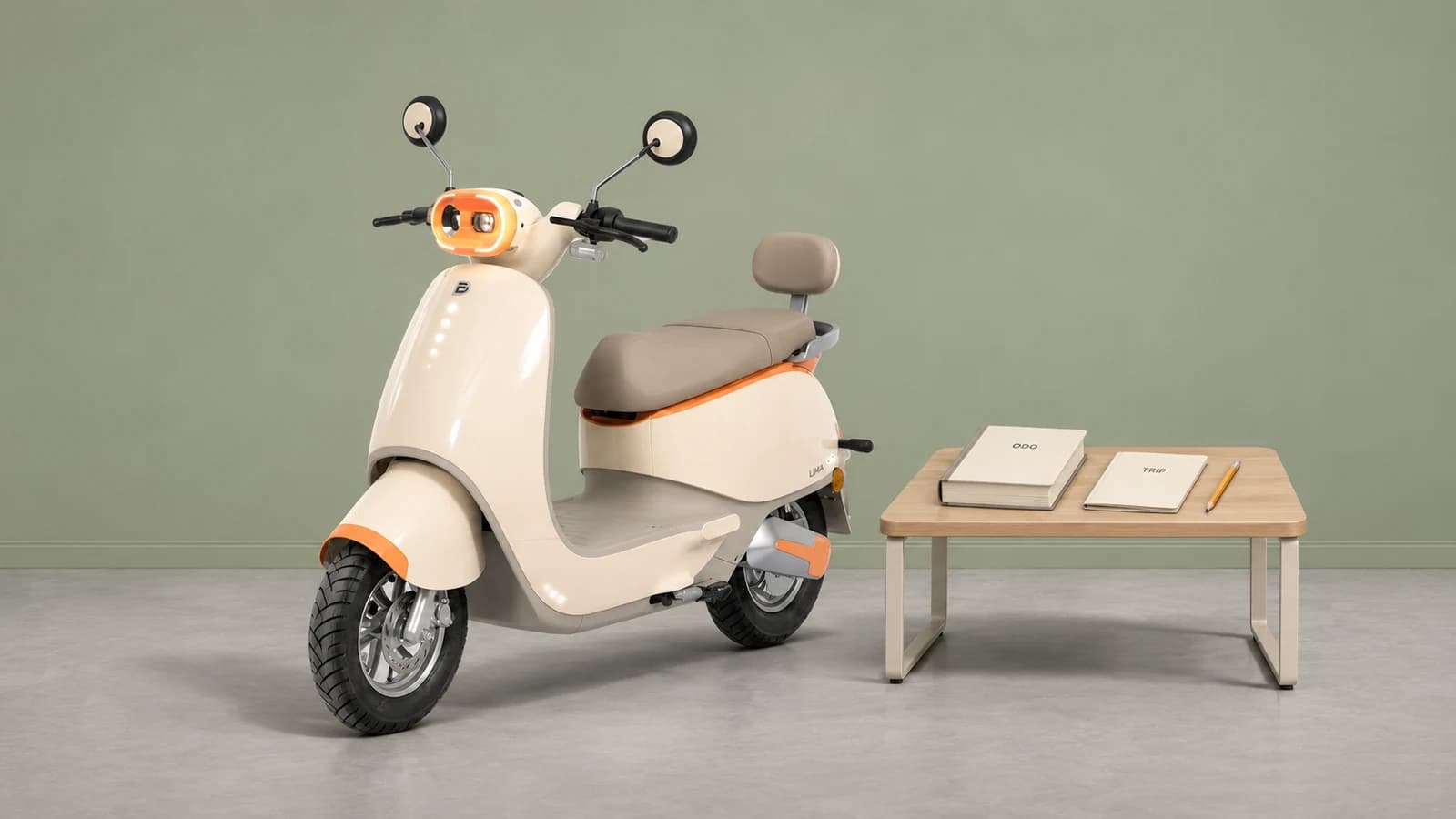
An odometer and a trip meter answer different questions. The odometer records accumulated vehicle distance; a trip record concerns a particular journey or recording period. Before using a dashboard photograph for a service visit or a purchase discussion, identify which field is being shown. A small trip reading is not proof of a lightly used scooter.
Read the label before recording a number
Open the correct model's owner manual and find its instrument explanation. Look for the field explicitly identified as the odometer, and record its displayed unit. Keep this separate from any field labelled as a trip or remaining-distance estimate. Do not infer a field's meaning from its size or position on a different scooter's dashboard.
As a manufacturer-specific example, the TVS iQube S owner manual, printed pages 33 and 48, distinguishes the odometer from journey records and describes a reset operation for the latter. Its menus and controls belong to that documented vehicle. They are not instructions for a Dynamo dashboard.
Keep two records for two purposes
For a workshop enquiry, a useful owner-created note contains the date, the clearly labelled odometer reading and a short description of the concern. If a trip reading helps explain when something happened, add it as a separate entry rather than substituting it for the accumulated-distance record. This is a suggested documentation method, not a manufacturer service schedule.
For example, a note can have four blank fields: date; odometer and unit; trip label and reading, if relevant; and reason for the record. You do not need to share a full photograph of documents or personal account screens to communicate those fields. Keep the original privately if it is needed for later clarification.
Before a used-scooter viewing
Ask the seller to show the labelled accumulated-distance field while parked. Compare it with dated service documents where available. If a record describes an instrument replacement, ask the workshop to explain what the displayed reading and retained paperwork represent. A dashboard photograph alone is not a complete history or proof that every component is original.
If the seller offers only a trip screen, ask for the correct field rather than alleging tampering. An unexplained mismatch is a question requiring evidence, not an automatic diagnosis. The used-scooter inspection guide covers the separate vehicle-history and independent-inspection questions.
Do not reset a record you still need
Before any documented trip reset, save the information you intended to retain. Do not experiment with unfamiliar button combinations, attempt to alter the odometer or erase diagnostic information to make a warning disappear. For an uncertain display, ask the supplier to demonstrate the documented operation while the vehicle is safely parked.
The due date for maintenance comes from the applicable service schedule, not from a general article or an assumed relationship between one trip reading and the next service. Ask the workshop to put any relevant interval and work recommendation on the job record.
Questions to take to the dealer
Ask which field is the odometer, which journey fields can be reset, how to preserve a useful reading before service, and where the exact model's instructions are documented. No particular trip feature or reset method is claimed for Dynamo models here. Use Dynamo support or keep the answer with your service records.